
Social Media Automation
Introduction
Imagine working hard for a whole week to create a great YouTube video, planning daily posts for Facebook, and trying to publish trending content on TikTok. But whenever you sat down to post, you either ran out of time, forgot, or simply felt exhausted. The same thing happened to me. I am a small content creator, and for the first three months, all my hard work was spent on what to post, when to post it, and how to post it.
One day, a friend of mine said that he sits only one day a week and schedules content for the whole week, and then social media goes on automatically. I didn’t believe it at first, but when I did research, I found that all this is possible because of Social Media Automation. In this guide, I will tell you everything I learned — in simple, step-by-step language.
Today, social media is no longer just for fun — for many people, it has become a full-time business. Millions of people watch videos on YouTube, billions of people are active on Facebook every day, and TikTok has changed the world of young people. In such a situation, if you work on these three platforms without automation, your time, energy, and enthusiasm will be lost.
What is automation?
Automation simply means letting tools handle repetitive tasks, so you don’t have to do them manually every time. Just like setting your home AC to turn on automatically at a specific time and it runs on its own, just like with Social Media Automation, you pre-schedule your posts, videos, and replies, and put it in a tool, and that tool automatically does it at the appointed time.
From a technical point of view, these tools connect directly to your social media accounts and automatically publish your content at the scheduled time. When you schedule a post, the tool saves the content on its server. The tool automatically publishes the post to your account when the scheduled time arrives. You don’t have to be present at this time. Also included in automation are bots that automatically respond to incoming messages and comments, all of which work on artificial intelligence (AI) and pre-built rules
Why is automation important?
These days, every platform is full of content. Every minute, creators upload hundreds of hours of video to YouTube, millions of posts are published on Facebook, and millions of clips are trying to go viral on TikTok. To make its place in this crowd, not only hard work but also smart work is needed. Automation gives you an edge over creators who still handle everything manually.
With YouTube Scheduling, you can ensure that your videos are always uploaded at the best time, whether you are currently sleeping or engaged in some other work. With the help of Facebook Bots, your followers get a quick response that increases your engagement. By understanding TikTok Analytics, you can choose the time and topic that will help your video go viral. In simple words, automation helps you save time, stay consistent, and focus more on creating better content.
When I first started using automation tools, the biggest thing I noticed was how much time they saved.
Here are some advantages I personally noticed
- Time-saving: Schedule seven days of content sitting once a week, and spend the rest of the time on other tasks.
- Constant Presence: Whether on vacation or sick, your posts are published on time, and followers are active.
- Better engagement: Bots help provide quick responses to comments and messages, which platforms’ algorithms usually reward with better engagement.
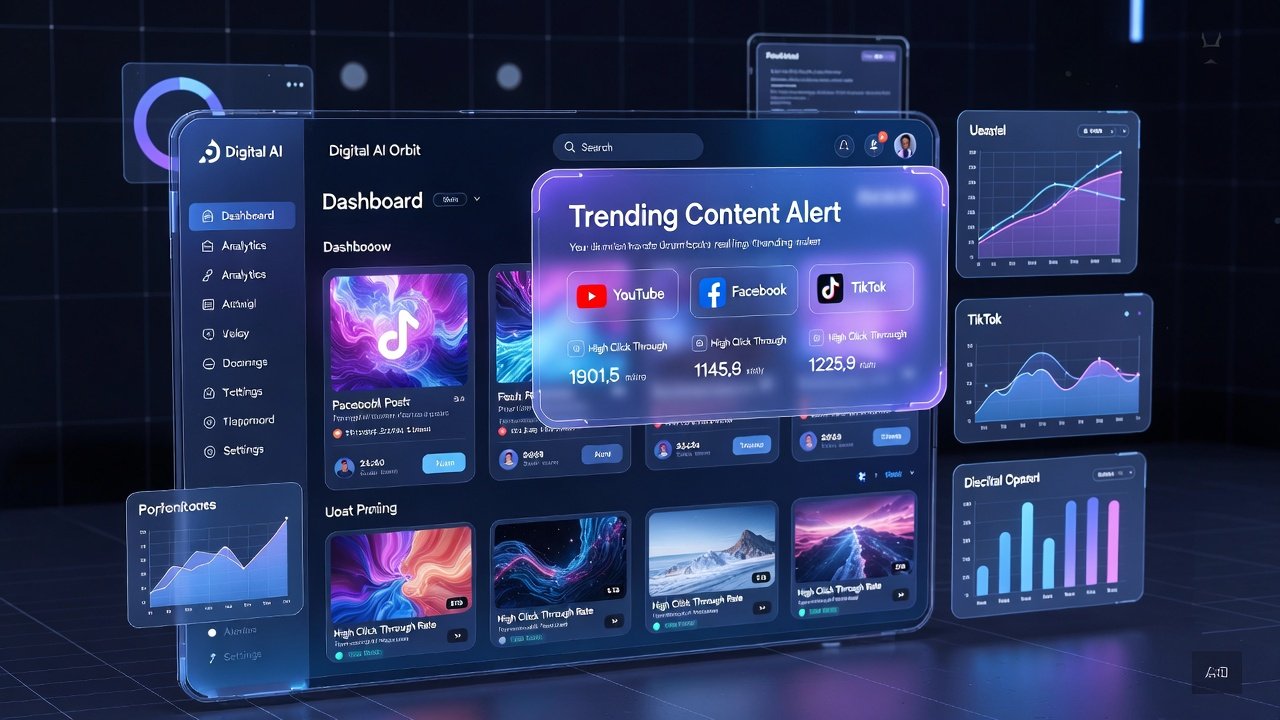
- Data-Based Decisions: Automation tools give you detailed reports so you can know which content is working best.
- Increase in earnings: More consistent, systematic posting increases followers and creates more monetization opportunities.
- Stress reduction: When you know yesterday’s post is ready, your mind stays calm, and you can focus on creative work.
- Multi-platform management: Control YouTube, Facebook, and TikTok from a single dashboard.

Full Automation Workflow — step-by-step method
Automation might sound complicated at first, but in reality, it’s just an organized workflow. It takes a while when you first set it up, but once set up, it keeps running automatically. Let’s understand this system using the following workflow table:
| Step | Step Name | Action Required | Tools Used |
| 1 | Content Planning | Decide topics, keywords, and posting schedule | Trello, Notion, Google Sheets |
| 2 | Content Creation | Record/write/design content for each platform | Canva, CapCut, OBS Studio |
| 3 | Scheduling | Set date & time for auto-publishing | Buffer, Hootsuite, Later |
| 4 | Auto-Publishing | Tool posts content automatically at a set time | Meta Business Suite, TubeBuddy |
| 5 | Engagement Automation | Auto-replies, comments, and DMs triggered | ManyChat, Tidio, Chatfuel |
| 6 | Analytics Tracking | Monitor views, reach, clicks, conversions | Google Analytics, Sprout Social |
| 7 | Optimization | Adjust strategy based on analytics data | Hootsuite Insights, Native Dashboards |
The first step is content planning. In this, you determine what to post in the next week or month. What topic to make a video on, what keywords to use, and what to publish on which day. For this, you can use planning tools like Trello or Notion that give you a visual calendar.
The second step is content creation. This is the stage where you record your videos, design photos, or create written content. Creating photos from Canva is very easy, and video editing for TikTok and YouTube Shorts from CapCut is free.
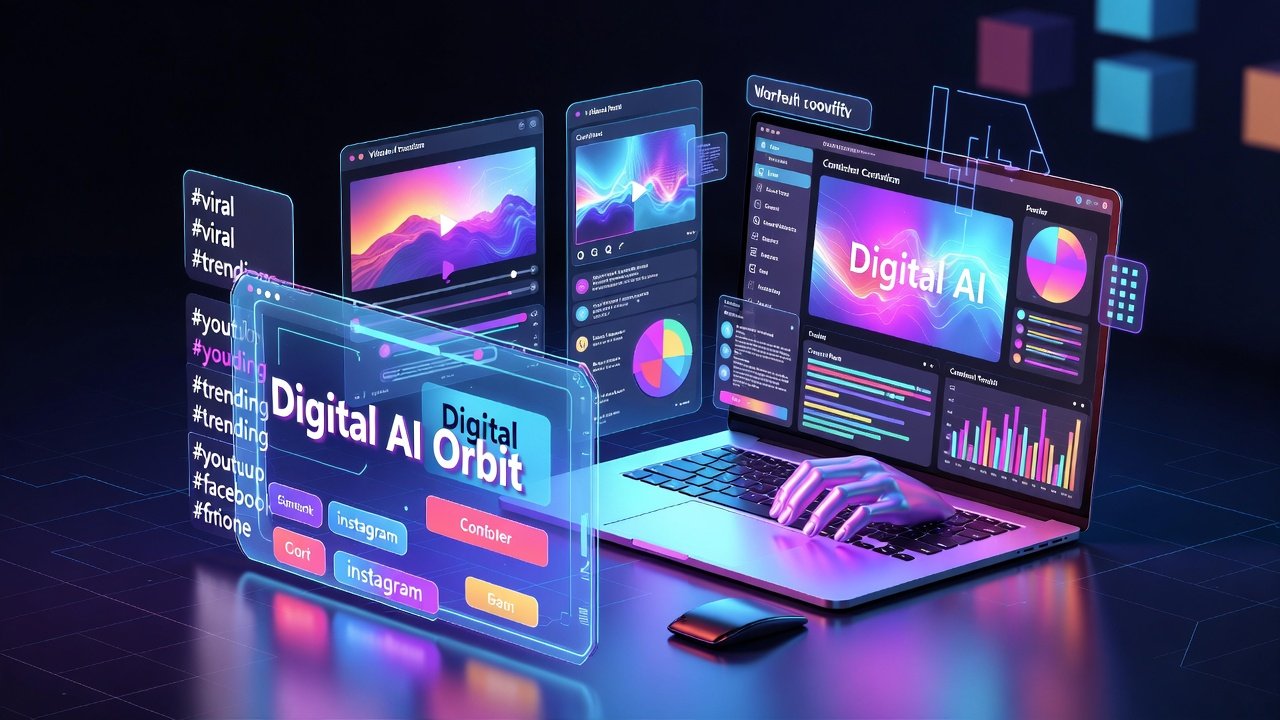
The third step is scheduling. When the content is ready, set the date and time by putting it in tools like Buffer, Hootsuite, or Later. The tool will automatically publish it at the specified time. For YouTube Scheduling, you can also use YouTube Studio directly, where this facility already exists.
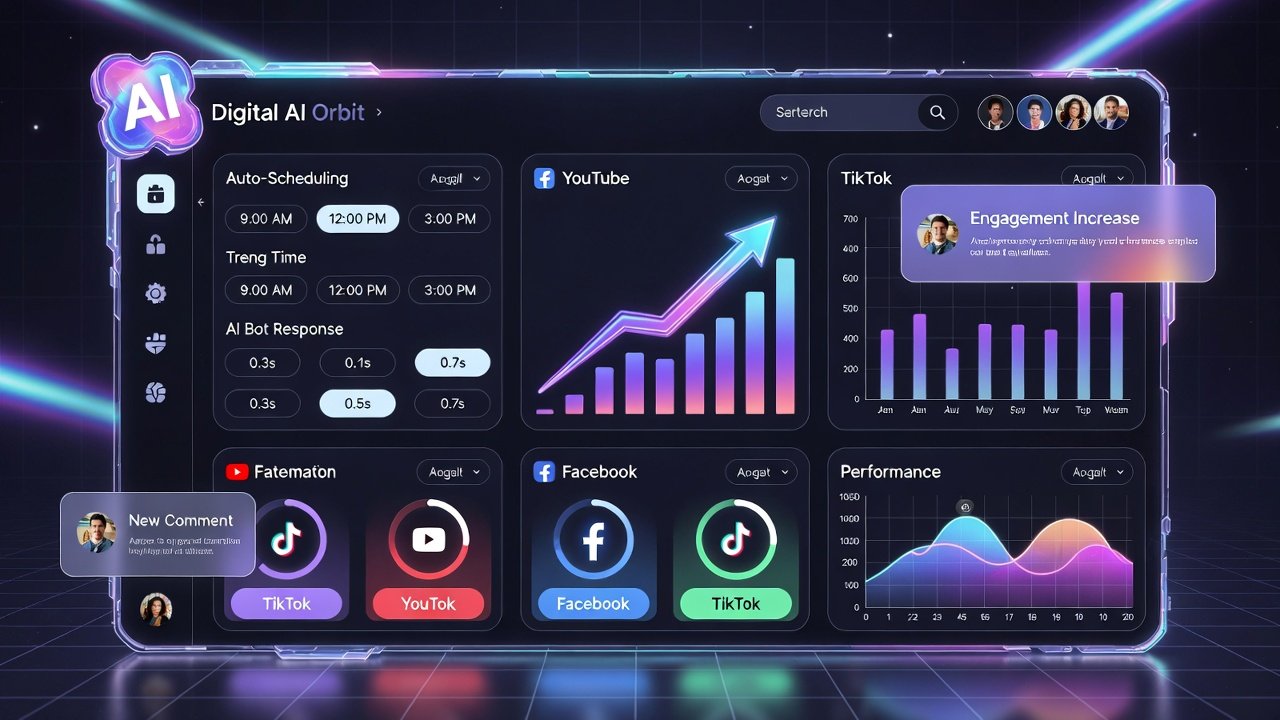
YouTube Automation System
Many people forget that YouTube is actually the second-largest search engine after Google, and it is very important to create a managed automation system to succeed on it. Video scheduling is the first and most important part of automation on YouTube. When you go to YouTube Studio and upload a video, you get the ‘Schedule’ option. In it, you can put the date and time, and the video will be published automatically at that time.
The biggest advantage of YouTube Scheduling is that you can target the best time for your audience. At YouTube Analytics, you can see when your subscribers are most online and schedule the video at the same time so that more people can watch it immediately.
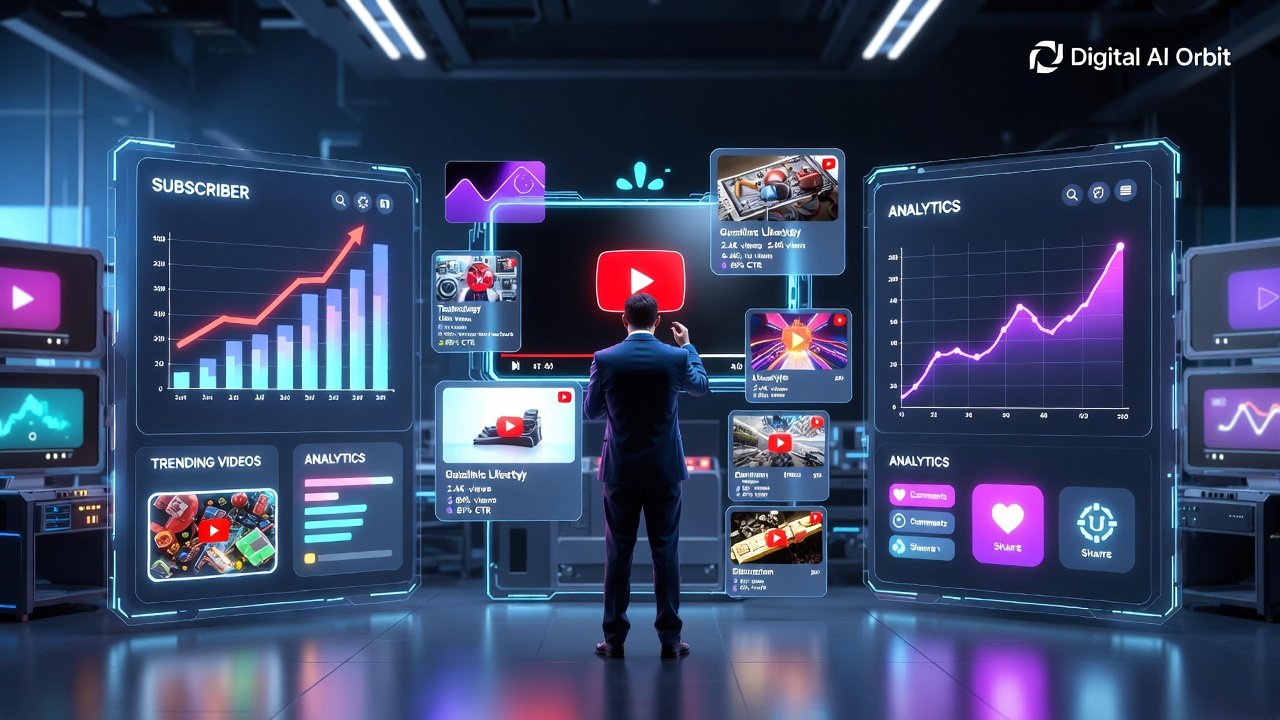
TubeBuddy and VidIQ
When I first installed TubeBuddy, I was surprised by how many features it had. With this, you can write bulk descriptions, i.e., you can edit descriptions for multiple videos at once. With the help of A/B thumbnail testing, you can test two different thumbnails and see which one is bringing more clicks. TubeBuddy provides features like best-time suggestions, keyword rankings, and SEO scores.
VidIQ is another powerful tool that specifically helps in discovering keyword research and trending topics. When you insert a search term, VidIQ tells you how much its search volume is, how much competition it has, and how easy or difficult it will be for you to rank. This is very valuable information for a beginner YouTuber.
Comments Management Automation on YouTube
As your channel grows, replying to every single comment manually becomes very difficult. TubeBuddy has a comment templates feature where you can write some common answers in advance and use them with one click. In YouTube Studio, you can also filter spam comments and automatically keep comments with specific words for review.
Facebook Automation System
Facebook is still the world’s largest social media platform, and a constant presence on it is very important for business. Using Facebook Bots is the most interesting and powerful part of Facebook automation. When someone messages on your Facebook page, the bot responds quickly, understands questions, and directs the user to the right place. Meta Business Suite is Facebook’s own free tool that manages both Facebook and Instagram in one place. In this, you can pre-schedule posts, reels, and stories. Inbox has a shared panel where messages from both platforms arrive, and in insights you get detailed analytics on which posts reached how many people.
Facebook Messenger: The Power of Bots
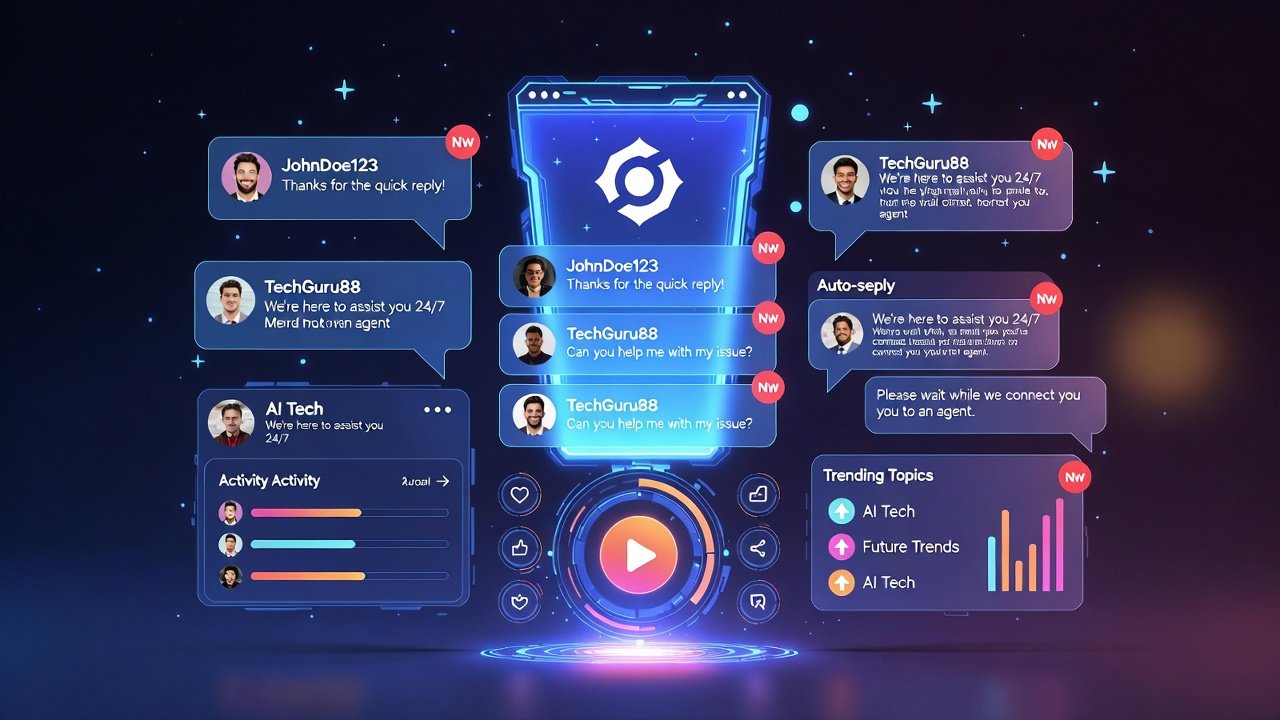
ManyChat is a specialized tool designed to automate Facebook Messenger and Instagram DMs. In this, you can create a bot without coding. You create flows, that is, if the user says something specific, the bot can respond automatically, and if he says so, he should answer. For example, if someone writes a ‘price’, the bot will automatically send the price information, and if ‘help’ is written, a help message will appear. Another advantage of Facebook Bots is that you can automatically collect information from leads, i.e., potential customers. When someone talks to your bot, you can ask them for a name, email, or phone number, and this information is automatically saved in your file.
The best posting system on Facebook
The secret to success on Facebook lies in consistent and quality posting. In Hootsuite or Buffer, you can create a content calendar for the entire month. Facebook Insights shows when your followers are most active, usually between 1 PM and 3 PM, on Wednesday to Friday. Posting during these times often gives better reach.
TikTok automation system
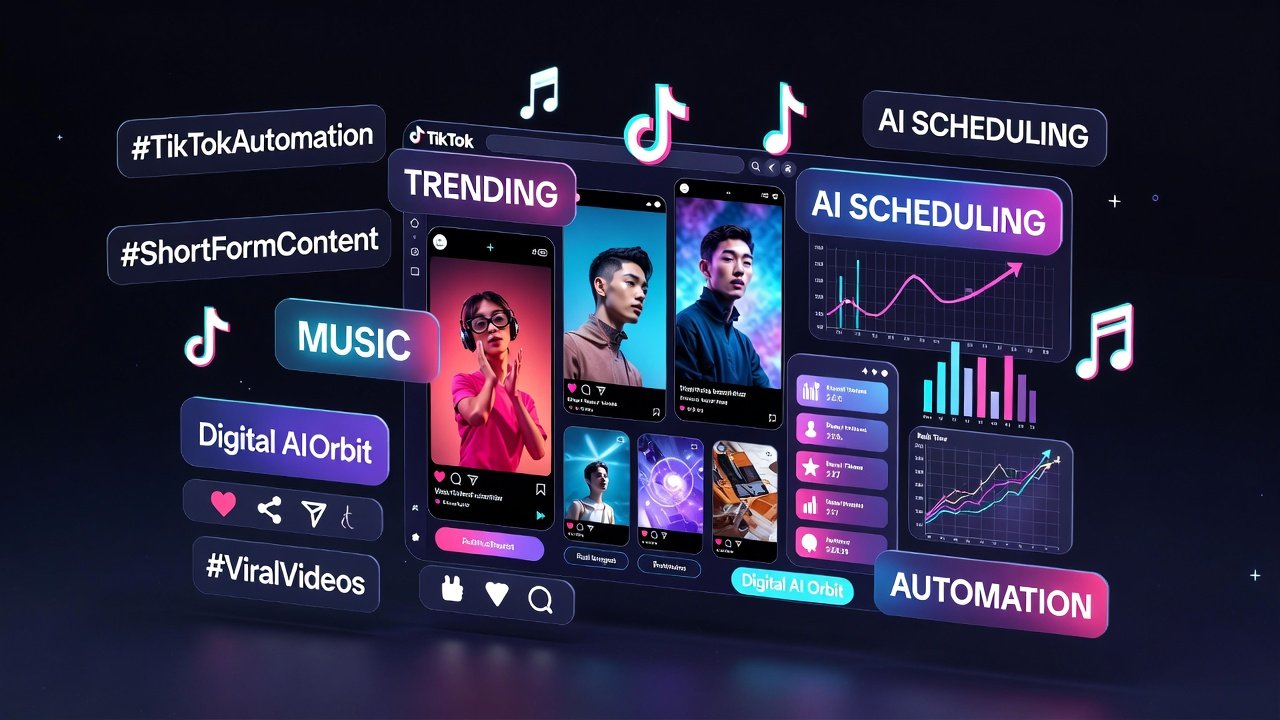
TikTok has completely changed the way people create and watch short videos. The algorithm of this platform has been created in such a way that new accounts also get a chance to go viral. But automation on TikTok is slightly different from other platforms, as TikTok places some restrictions on its API. However, some great tools make TikTok automation easier. Later is a tool that also facilitates scheduling for TikTok. You upload your video, insert captions and hashtags, set the date and time, and Later will publish it automatically. This means you don’t need to open TikTok every day.
Understand the way to go viral
TikTok Analytics gives a complete overview of your content’s performance. In it, you can see how many people watched your video, how many watched the whole video, where they watched it, and which age group liked it. This information is very valuable because with it, you can create your next content accordingly. Add the use of trending audio on TikTok to automation as well. Visit the TikTok Creative Center, where you can discover which songs, sounds, and hashtags are on trend right now. Add these trending elements to your videos, and then the TikTok algorithm delivers your video to more people. Live sessions on TikTok are an interesting aspect of automation. You can pre-announce that such and such time will come live and schedule this announcement as well. You can also use TikTok’s Stitch and Duet features as part of your automation strategy, as a new audience becomes easier to reach when you Duet trending videos.
Best Automation Tools — Comparative Review
Today, there are dozens of automation tools available, and it seems difficult for beginners to choose the right tool. In the table below, we have compared the most popular and reliable tools so that you can choose the right tool according to your needs:
| Tool Name | Platforms Supported | Key Feature | Free Plan | Best For |
| Buffer | YouTube, Facebook, TikTok, Instagram | Simple scheduling & analytics | Yes (3 channels) | Beginners |
| Hootsuite | All major platforms | Advanced scheduling + team collaboration | Limited trial | Agencies & Teams |
| Later | Instagram, TikTok, Facebook, Twitter | Visual calendar + link-in-bio | Yes (1 user) | Content Creators |
| ManyChat | Facebook Messenger, Instagram DMs | Chatbot & automated DMs | Yes (basic) | E-commerce & Coaches |
| TubeBuddy | YouTube only | SEO, A/B thumbnail testing, bulk editing | Yes (limited) | YouTubers |
| VidIQ | YouTube only | Keyword research, trending topics | Yes (limited) | YouTube Growth |
| Meta Business Suite | Facebook & Instagram | Native scheduling & inbox management | Free | Facebook/IG users |
| Sprout Social | All major platforms | Deep analytics + CRM integration | Trial only | Enterprise Teams |
In my opinion, beginners should start with Buffer because it is very easy to understand. When I first tried it, I liked how simple the dashboard was. Even beginners can understand it within a few minutes. As your work progresses, move on to Hootsuite or Sprout Social, which offer more features. Be sure to use TubeBuddy or VidIQ exclusively for YouTube, as they make a significant difference in the growth of your channel.
Platform Comparison
All three platforms have their own distinct features, and automation also works differently for each. This comprehensive table will give you a detailed comparison of the three:
| Feature | YouTube | TikTok | |
| Best Content Type | Long-form videos (8–20 min) | Videos, reels, posts, stories | Short videos (15–60 sec) |
| Scheduling Tool | TubeBuddy / VidIQ / YouTube Studio | Meta Business Suite / Buffer | Later / TikTok Scheduler |
| Automation Bot Support | Limited (comment moderation only) | Full (Messenger bots via ManyChat) | Limited (engagement tools) |
| Best Posting Time | 2 PM – 4 PM on weekdays | 1 PM – 3 PM Wed/Thu/Fri | 6 PM – 10 PM daily |
| Analytics Tool | YouTube Studio + VidIQ | Meta Business Suite + Sprout Social | TikTok Analytics (native) |
| Monetization | AdSense + Memberships + Super Chat | In-stream ads + Stars + Shops | TikTok Creator Fund + LIVE Gifts |
| Audience Age Group | 18–45 years | 25–55 years | 13–30 years |
| Automation Complexity | Medium | High | Low to Medium |
An important thing that comes out from the table is that the audience, style, and best automation strategy of each platform are different. Detailed posts and Messenger Bots work on Facebook, SEO-optimized long-form videos on YouTube, and tools like TubeBuddy, and short, fast, and trending videos on TikTok. Successful automation means speaking in the language of each platform.
Analytics and achievement metrics
Once automation is set up, the most important thing is to analyze the results. If you use automation but ignore analytics, you won’t really know what’s working and what isn’t. Each tool gives its own analytics report, but the most important numbers must be understood. Impressions show how many times your post has been shown, even if the same person has seen it many times. Engagement Rate is the percentage that indicates the number of visitors who liked, commented, or shared. Click-Through Rate means CTR tells how many percent of people clicked on your link.
Watch Time on YouTube is a very important metric. The more people watch your video, the more YouTube will show it to others. Watch Completion Rate in TikTok Analytics, which means the percentage of people who watched the entire video. If it’s low, make your video start even more interesting. Understand the difference between organic reach and paid return in Facebook Insights, so you know how much your free efforts are working.
Principles of automation
What to do
- Always read your platform’s terms of service because each platform has its own rules, and the account may be closed for violation.
- Create standard and original content — Automation only automates posting; content quality is your own responsibility.
- Be sure to check your Analytics every week so you know what’s working and what’s not.
- Take the time to engage — bots give basic answers, but real conversations you have to do yourself.
- Test A/B means try two different thumbnails of the same video and see which one gives better results.
- Proofread content before scheduling so that errors are caught before they are published.
What not to do
- Do not use bots that buy fake followers or views; this is a serious violation of the platform’s policy, and the account may be permanently closed.
- Do not publish the same post again and again because algorithms consider it spam and reduce the reach.
- Do not completely hand over human interaction to bots — personal responses and interactions build trust with followers.
- Do not use too many tools together without understanding. First learn one tool, then gradually add others.
- Do not consider scheduled content ‘set and finished’ — Adjust posts if needed in light of social conditions and news
Automation and Human Connectivity
In my experience, automation can be a lifesaver for small creators who don’t have a team to manage everything, but it also has a significant disadvantage, and that is that if you leave everything to the machines, your content starts to look soulless and artificial. People want to connect with humans on social media, not machines. Therefore, building the right balance of automation and human communication is most important for your development. A good way is to divide your week into two parts. Make and schedule the entire content sitting in the first part, i.e., at the beginning of the week. In the second part, i.e., in the rest of the days, take some time every day in which you give a personal answer to the comments, come live, run the polls, and ask your followers questions.
Remember that big YouTubers and influencers also use automation, but they also stick with their community on a personal level. For example, there is a team of YouTubers like MrBeast who handle automation but also speak directly with MrBeast’s people themselves. You also have to follow the same model. Use automation for tasks that are repeated, such as posting, initial responses, analytics reports, etc. But do the things that require emotion, creativity, and human understanding yourself. This balance makes you an authentic and reliable creator
Conclusion
If you’ve read this entire guide, you now have all the information you need to create a successful Social Media Automation system. But remember, just reading is not enough. Take a small step today. Get started with Buffer’s free account and schedule five posts for next week. Install TubeBuddy’s free extension and watch your YouTube channel’s SEO score. Open Meta Business Suite and schedule Facebook posts for the next three days. Visit the TikTok Creative Center and note trending hashtags. These small steps will enlighten you on the world of automation. Automation alone won’t make you successful overnight, but it can definitely make your work much easier and more efficient. The work that used to take you a few hours every day, the same work will be done with automation once a week in a few hours. The rest of the time, you can spend improving the quality of your content, thinking of new ideas, and spending time with your community.
Remember: Success doesn’t come overnight. Constant effort, learning, and improving your strategy is the path to success. Your time will come, just start today!
Frequently Asked Questions (FAQs)
Question 1: Can automation close the account?
Answer: If you violate the terms of service of the platform, such as buying fake followers or engaging in spam behavior, the account may be closed. But use reputable tools like Buffer, Hootsuite, Later, and TubeBuddy that are platform-approved, so no risk.
Question 2: Does automation reduce engagement?
Answer: No, but often increases. Because automation allows you to post promptly, bots respond quickly, and your content keeps coming up. Yes, if you only rely on bots and are not active yourself, engagement may be affected.
Question 3: How much money is required to start automation?
Answer: Can start from absolutely zero! Buffer, Meta Business Suite, YouTube Studio, the free version of TubeBuddy, and TikTok’s native scheduler are all free. Invest in payment tools when your content business grows.
Question 4: Can small creators also use automation?
Answer: Of course! In fact, automation is even more important for small creators because they don’t have a big team, and it’s hard to do all the work alone. Automation allows them to act like a team.
Question 5: Does automation work on TikTok, too?
Answer: Yes, although TikTok has a somewhat limited API, Later, Buffer, and TikTok’s own scheduling feature all work. Through TikTok Analytics, you can make data-driven decisions that help your videos go viral
Pingback: How to Make Money on TikTok Using AI (Faceless Strategy in 2026) - Digital Ai Orbit
Pingback: How to Earn Money with Affiliate Marketing for beginners in 2026 Full Guide - Digital Ai Orbit