
Introduction:
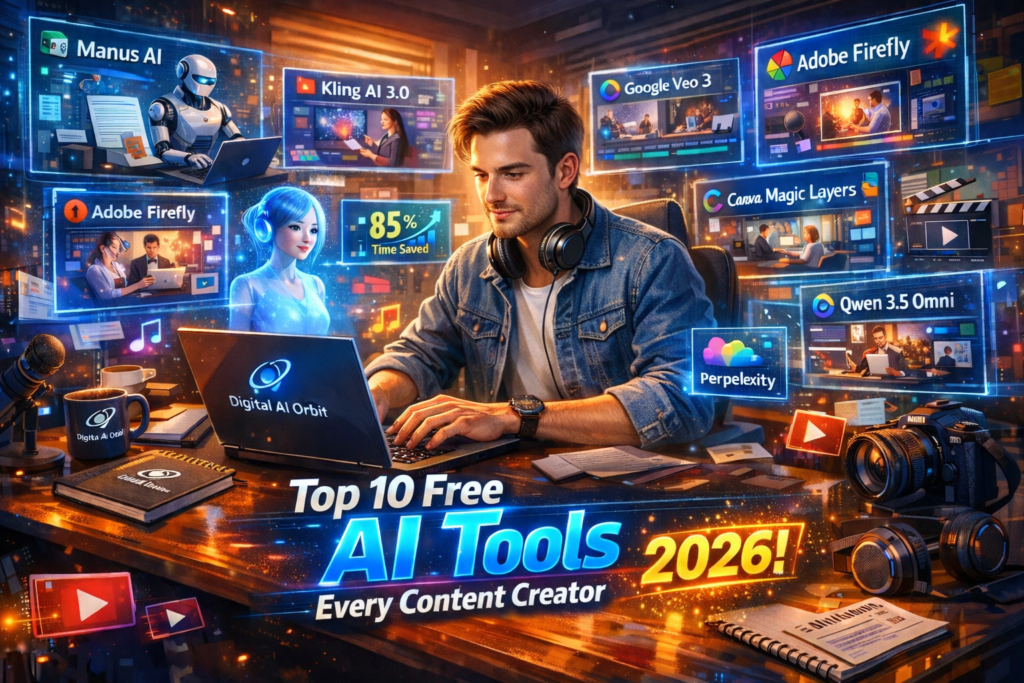
Top 10 Free AI Tools Every Content Creator Should Use in 2026
When I first started using AI tools in 2023, my job was just a little easier. But by 2025, this world will have completely changed. Now AI works not just as a helper, but as a whole team. Today I am going to tell you the 10 AI tools that have made life easier for me and millions of content creators like me.
This is not just a list of technologies. It’s a journey of a journey when you feel like a human being can do the whole teamwork alone. I have tried these tools myself, seen their benefits and limitations, and am now sharing this experience with you.
The use of AI in the world increased by 40% in 2024 and has accelerated and accelerated in 2025. 73 percent of professionals working in the content industry have now incorporated some AI tool into their daily work. Let’s see what these tools are and how they can change your life.
Let’s Begin:

AI agents that can run your entire content workflow
There was a time when I used a separate tool for every little thing I did. One for research, another for writing, and a third for editing, and the whole process was exhausting. But now AI agents have changed all of that. You only give a recipe, and AI does its own research, writes, edits, and publishes content.
These agents are completely different from older AI chatbots. Older tools only responded, but new AI agents make decisions by themselves, go to different websites, create files, and take over the full project.
Manus AI
(Autonomous Task Performing Agent)
Manus AI I tried in February 2025 and was shocked, frankly, at first use. I asked him to write a blog post, and he not only did research, but went to the sites himself, collected data, created an outline, and wrote the full article. Everything I had to do in four hours, Manus did in forty minutes.
The greatest quality of Manus AI is that it not only follows the instructions but also thinks for itself. When I asked him to make a marketing campaign, he asked me a few questions, then researched the target audience, and then developed a complete strategy.

Comparison: Traditional Workflow vs AI Agent Workflow
| Task | Traditional Time | With Manus AI | Time Saved |
| Blog Research | 3–4 hours | 25–35 minutes | 85%. |
| Content Writing | 4–6 hours | 45–60 minutes | 88%. |
| Social Media Captions | 1–2 hours | 10–15 minutes | 90%. |
| Email Campaigns | 2–3 hours | 20–30 minutes | 87%. |
| Competitor Analysis | 5–6 hours | 40–50 minutes | 85%. |
New generation video AI that feels like real filmmaking
I remember very well when the cost of making a video for one of my YouTube channels cost me more than fifty thousand rupees every month. cameraman, editor, location — everything expensive. But in 2025, video AI tools have changed all that. Now, even a common man can make a video like Hollywood sitting at home.
Video AI tools first started by creating short clips, but now they can create long, cohesive, and emotional videos that also have motion that looks natural and facial expressions. This development has taken place in just two years, which is no less than a miracle.
Kling AI 3.0
(Ultra-Realistic Video Generation)
Kling AI 3.0 caused a stir in the industry with its release in 2025. Its main feature is that it shows the movements of humans in a completely natural way. The hands and fingers seemed awkward in the old tools, but in Kling AI 3.0, the problem has been solved quite a bit.
A friend of mine, who runs a small digital marketing business in Lahore, made a promotional video for his client from Kling AI 3.0. The client asked where this video was shot, and he could not believe that it was made with AI
AI that automatically creates your permanent visual brand
Brand Consistency is the foundation of any business. When I saw one of my clients’ social media pages, each post was in a different color and style. It seemed as if ten different people were working together. This problem is very common, especially in small businesses where one person does everything.
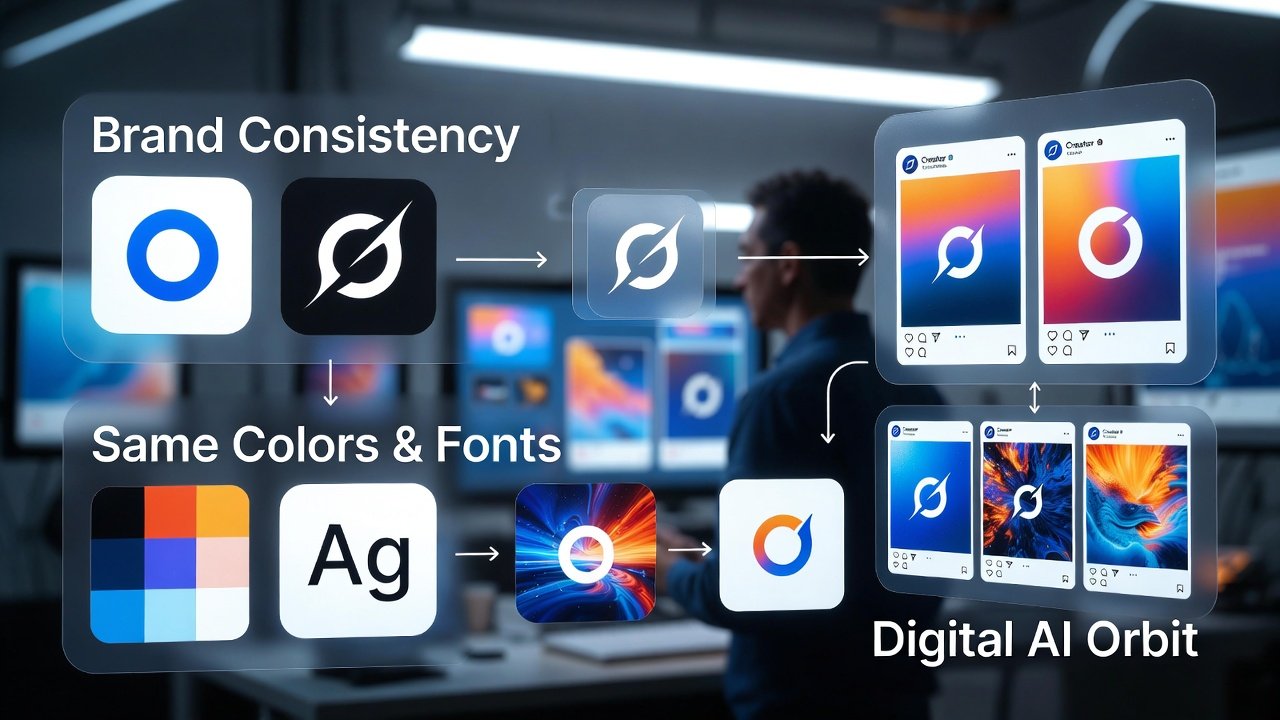
But now Adobe Firefly Custom Models has rooted out this problem. Once you teach your brand style, then this AI will create every new image in the same way — whether it’s your logo, color, or font style.
Adobe Firefly Custom Models
Adobe Firefly’s Custom Models feature is very easy to use. You upload 50 to 100 photos of yourself, AI learns from them, and then creates new photos in the same way. This feature is especially useful for fashion brands, restaurants, and media companies.
An interesting thing is that you don’t need to have a designer using this feature. Once the custom model train is done, then each member of the team can make content in the same brand language, without any design training.
All-in-one Creative Studio
Earlier, I had so many tools on my computer that I used to forget which work to do from where. For Canva images, for Adobe Premiere video, and for Audacity audio Learning for each task is separate, password separate, subscription separate. These all-in-one platforms have put an end to this pain.
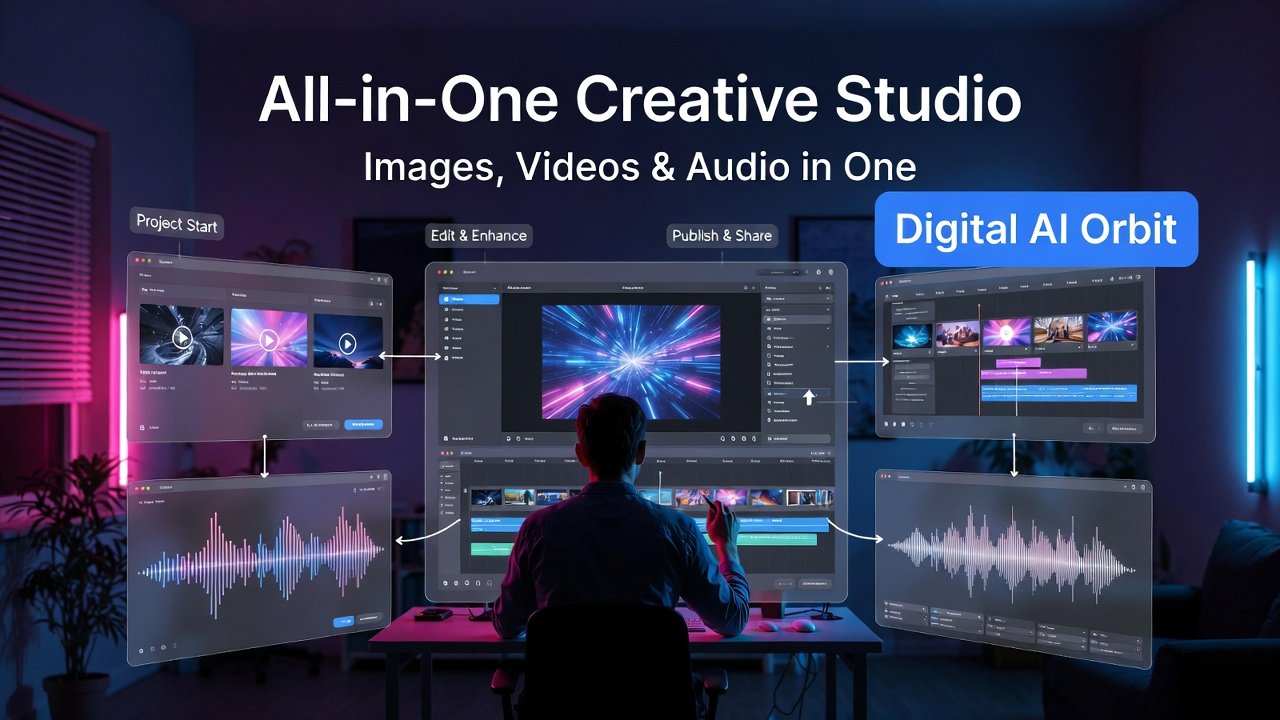
ImagineLab AI Studio
ImagineLab AI Studio is a 2025 refreshed tool that features image-making, video generation, and audio production in a single interface. The biggest advantage of this is that you can work on a project from start to finish without exporting or importing any file.
I once made an entire package of a YouTube video on it — thumbnails, video trailers, background music, and voiceover — all in one place. It not only saved time, but all things looked the same way because it was the use of the same platform.
Top All-in-One AI Creative Platforms — 2025 Comparison
| Platform | Images | Video | Audio | Price/Month | Best For |
| ImagineLab AI Studio | ✅ Yes | ✅ Yes | ✅ Yes | $29 | Content creators |
| Adobe Firefly Suite | ✅ Yes | ️ Limited | ❌ No | $54.99 | Brand designers |
| Canva AI Pro | ✅ Yes | ✅ Yes | ️ Limited | $15 | SMBs & teams |
| RunwayML | ️ Limited | ✅ Yes | ❌ No | $35 | Video editors |
| Descript | ❌ No | ✅ Yes | ✅ Yes | $24 | Podcasters |
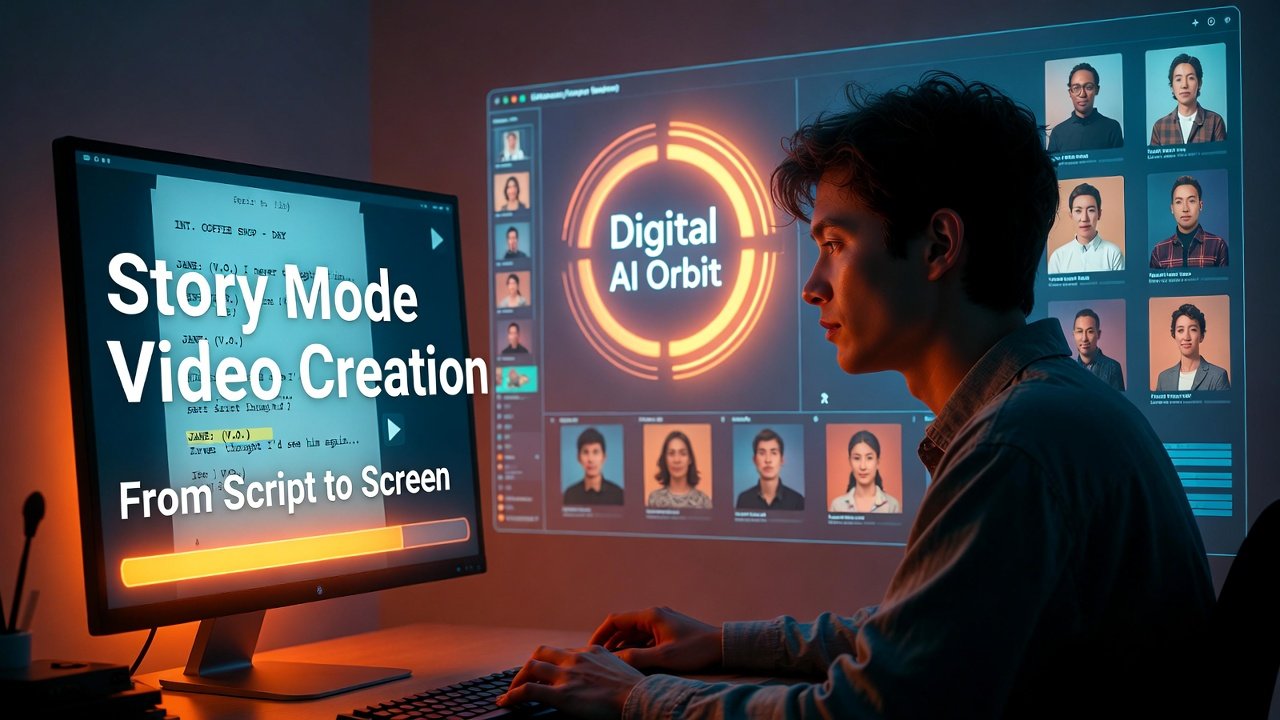
The demand for long videos on YouTube is increasing. People just want to go beyond fifteen-second reels. But making a long video is hard work — script, shooting, editing, music, all are separate steps. Now Google Veo 3 has brought this whole process to one place.
Google Veo 3
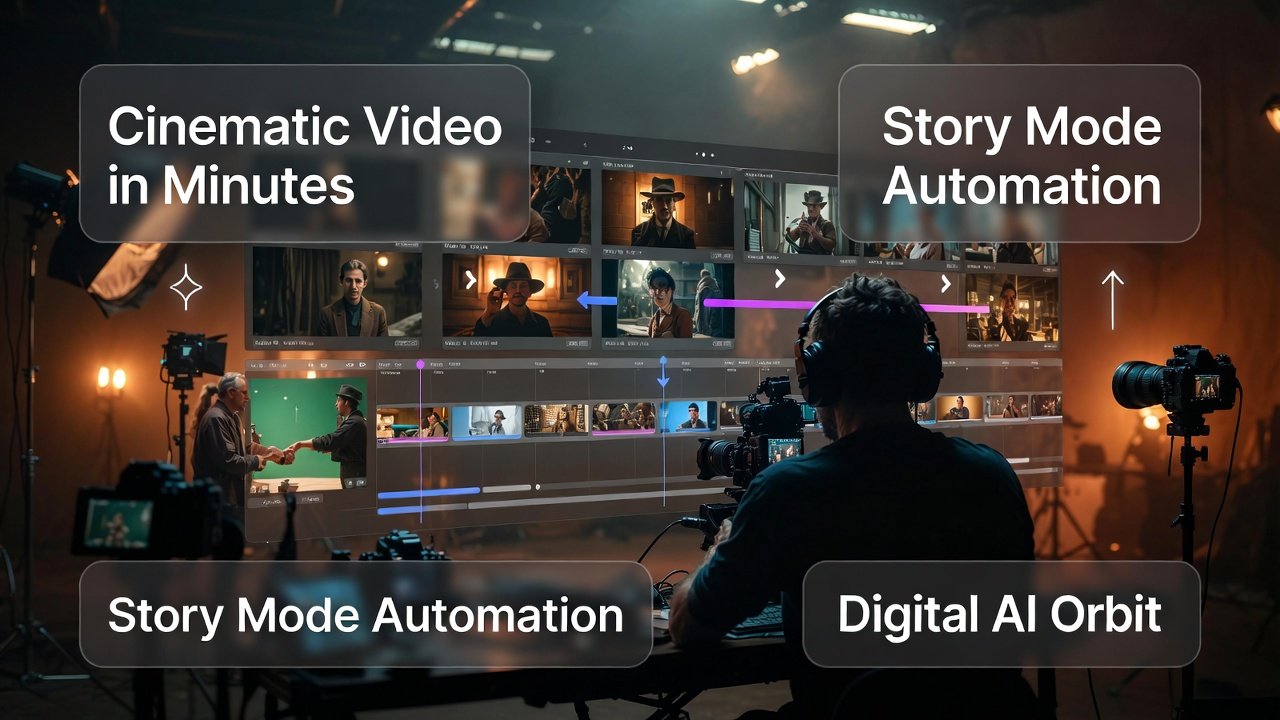
I tried Google Veo 3 in May 2025. I wrote a simple script and put it in; in a few minutes, a five-minute video was ready with the songs, visuals, and background music all in it. All this happened automatically, without any editing.
What makes Veo 3 special is its ‘story mode’. You give an idea, it creates the character, place, environment, and dialogue itself, and then combines them all to create an integrated video. It’s not just a collection of clips, but a real story.
Smart Editing AI — Quick Fix Anything
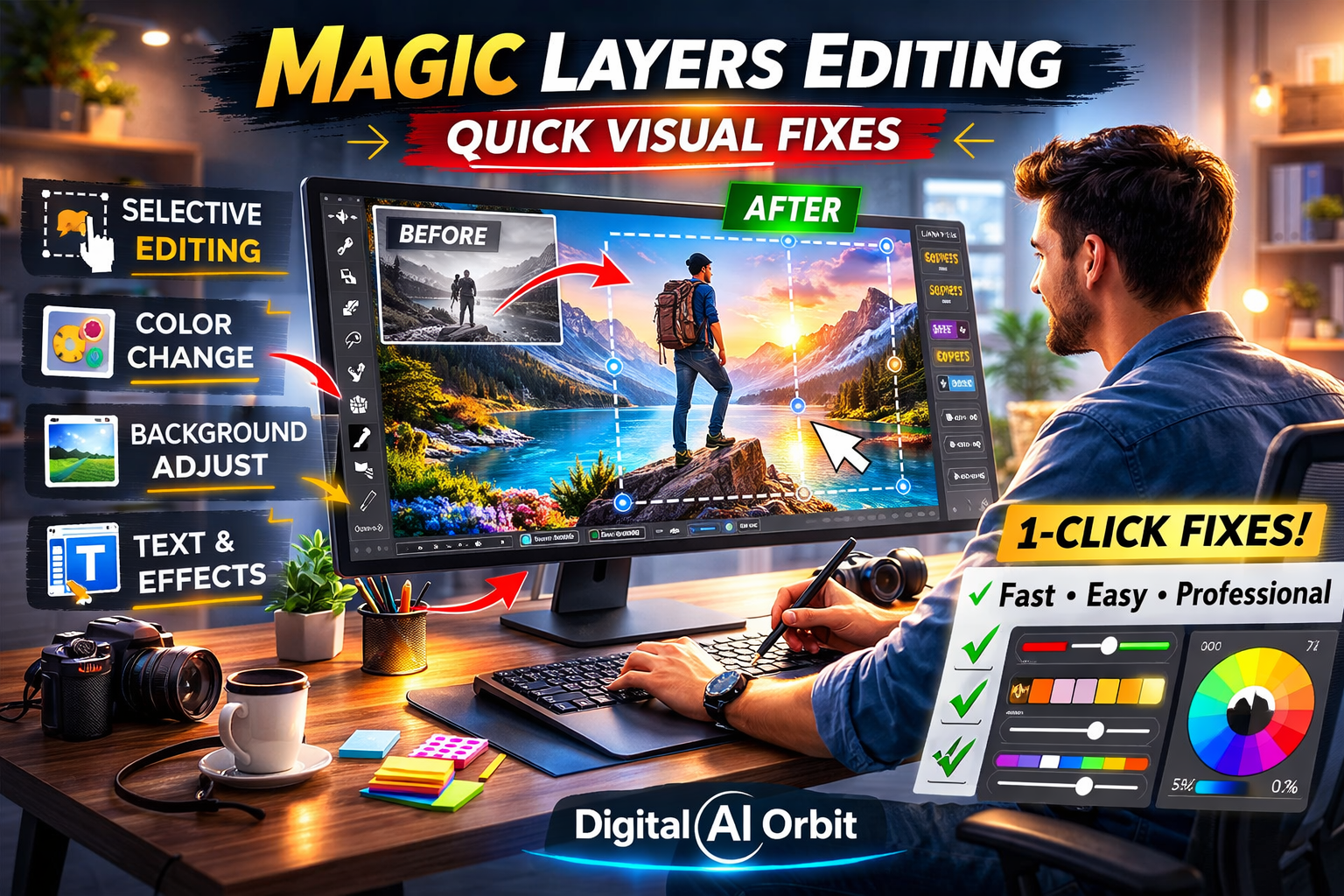
Creating an image or video from AI is one thing to do, but fixing it is another thing to do. In old tools, when something went wrong, one had to start over. It’s like having to recreate an entire painting just because the color in one corner was wrong. But now Canva Magic Layers has solved this problem.
This feature allows you to select and replace any part of an AI-made image. You don’t need to recreate the whole picture. This is something like a simple version of Photoshop that everyone can use.
Canva Magic Layers
Some of the key features of Canva Magic Layers that make it a favorite of every creator:
- Elective editing: Select only one part of the image and revisit it with AI — The rest of the image is perfectly safe
- Color uniformity: Change the color of the entire image in one click or change the color of a specific element, according to brand colors
- Text Integration: Add a text layer to an image made of AI that automatically syncs with the image’s background
- Batch Editing: Edit once and apply the same changes to all your photos at once
AI research tools
Finding viral ideas first
The biggest problem with content creators is that he always runs after the trend. By the time he makes the video, the trend ends. I have experienced this many times — hours of hard work, made a video, and while uploading it, I found that the topic is a week old. Perplexity Discover Mode relieved me of this problem.
Perplexity Discover Mode
(New Research Method)
Perplexity’s Discover Mode came out in 2025 and changed the way it did research. It doesn’t just give information, but also tells which topics are just going to be trending, by looking at the hustle and bustle of the internet.
I experimented: Perplexity told me ‘AI and education’ was an emerging topic. I immediately wrote an article on it, and in the next three days, that topic really went viral. My article came in the top results because I was the first. This tool is a game-changer for those who want to keep their content always fresh and relevant.

AI music tools that make music with you
Turning raw ideas into complete music
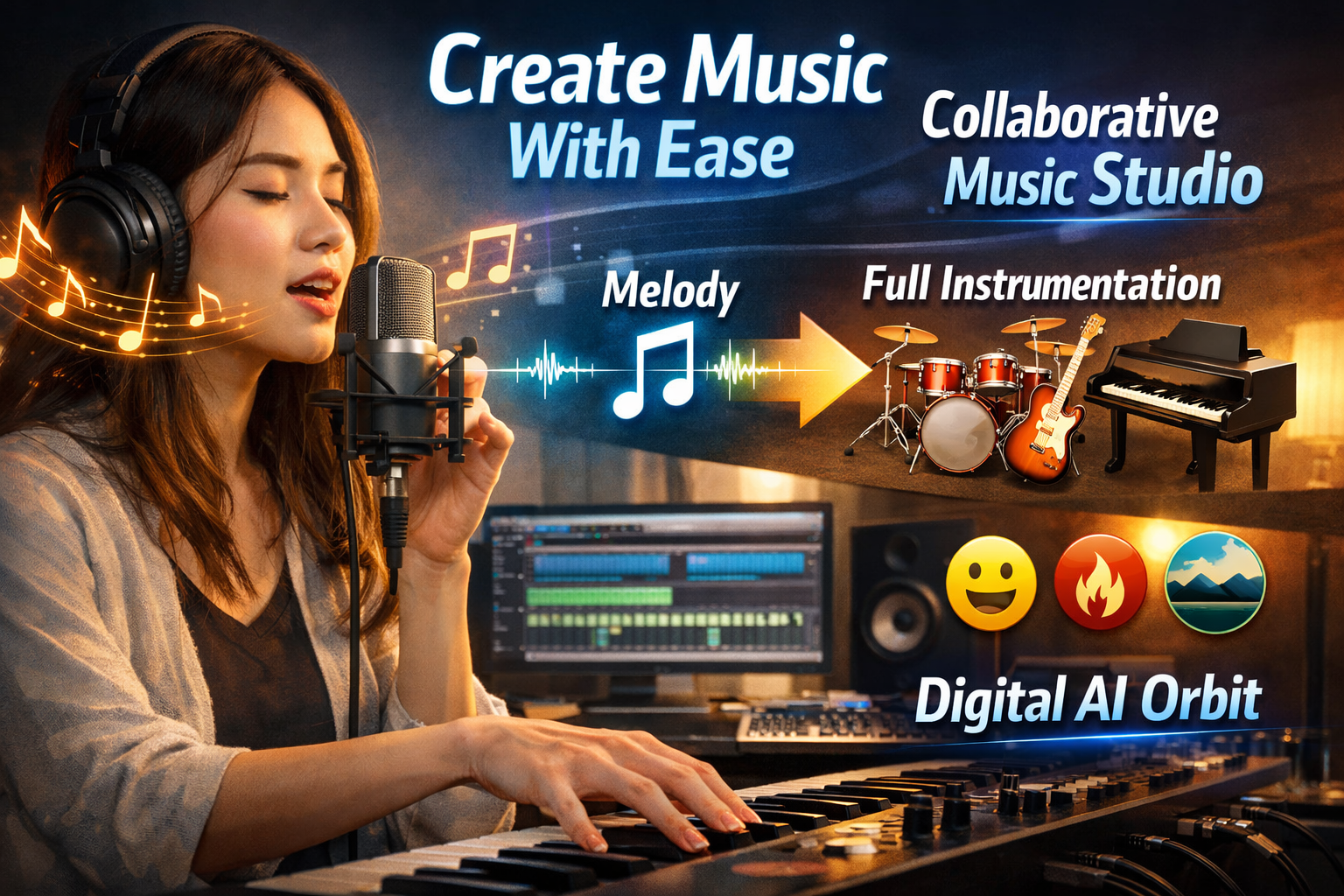
I’m not a musician, but always had a dream of making music. I had melodies in my mind, but it was hard to actually adapt them because I couldn’t play any instruments. AI music tools fulfilled my dream.
Melody Flip AI
Melody Flip AI is different from other AI music tools because it doesn’t complete your music — it makes it with you. You record a tune by humming, or put a few notes — Melody Flip understands it, then asks you what mood, style, and sound of the instrument you want.
I once wanted to create an intro music for my YouTube channel. I just had a simple tune in my mind. Melody Flip took that tune, added drums, guitar, and piano to it, and performed five different versions. I chose the version of my choice and did some editing — that just became my intro.
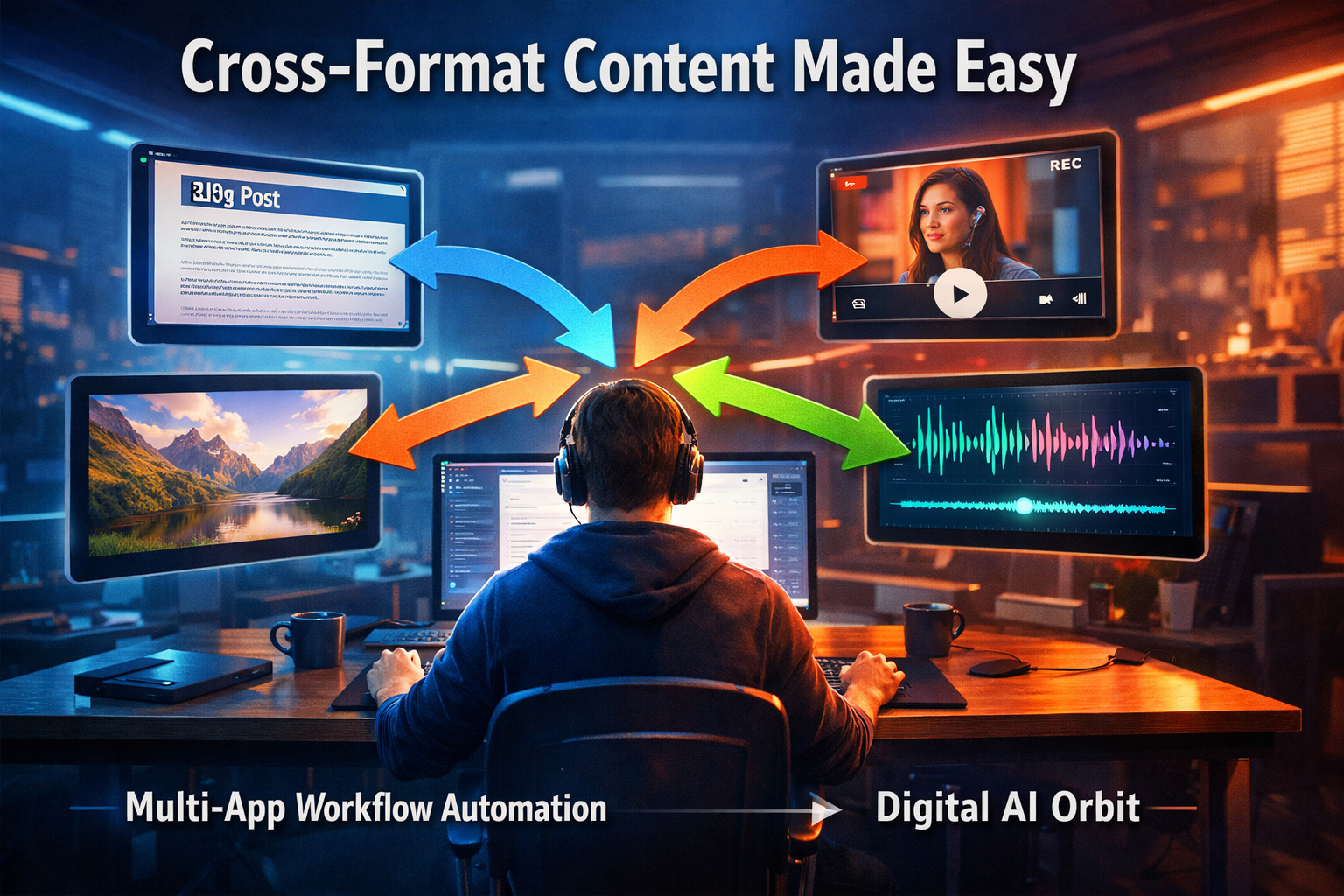
Multimodal AI that combines text, images, audio, and video as input — multiple content shapes. Future AI is the one you tell something once, and it creates content in every form. You give an idea — to write text, create images, produce audio, and make videos. This idea is no longer thought — Qwen 3.5 Omni has made it a reality.
Qwen 3.5 Omni
Qwen 3.5 Uses of Omni That Make It Unique in the Market:
- Cross-Format Content: Write a blog post, and it automatically converts it into a video script, social media caption, and podcast outline
- Language Translation: Translate the text as well as maintain the same emotions and tone in the audio
- Video from Photo: Create a small motion video from a photo of you that also has proper sound
- Q&A: Watch the video and answer questions about it, without a transcript
Switching between apps is the biggest time waste for a content creator. One research tool, the other for writing, the third for the picture, the fourth for publishing, and these four are not connected. Download file every time, upload, change format — it’s all tiring.
Baidu OpenClaw AI Agents
The features Baidu OpenClaw presented in 2025 create a new history in the world of AI automation:
- Cross-App Automation: Connect Gmail, Notion, Canva, and YouTube Studio, and work with the same command
- Device Control: Not limited to your computer, smartphone, tablet, work together on all devices
- Conditional Workflow: You can place bets — if it is, do it, otherwise do it — exactly like programming, but without code
- Reporting: When each task is completed, send you a report on what happened and how long it took
Top 10 AI Tools of 2026 — Quick Reference Guide
| Sr | AI Tool | Main Category | Best For | Difficulty Level |
| 1 | Manus AI | Autonomous Agents | Full workflow automation | ⭐⭐ Medium |
| 2 | Kling AI 3.0 | Video Generation | Cinematic video content | ⭐ Easy |
| 3 | Adobe Firefly | Visual Branding | Brand consultancy | ⭐⭐ Medium |
| 4 | ImagineLab Studio | All-in-One Creative | Multi-format content | ⭐ Easy |
| 5 | Google Veo 3 | Long-form Video | Storytelling & docs | ⭐⭐ Medium |
| 6 | Canva Magic Layers | AI Editing | Quick visual fixes | ⭐ Easy |
| 7 | Perplexity Discover | Trend Research | Viral idea discovery | ⭐ Easy |
| 8 | Melody Flip AI | Music Creation | Collaborative music | ⭐⭐ Medium |
| 9 | Qwen 3.5 Omni | Multimodal AI | Cross-format content | ⭐⭐⭐ Advanced |
| 10 | Baidu OpenClaw | Workflow Automation | Multi-app integration | ⭐⭐⭐ Advanced |
Conclusion:
The year 2025 is proving to be a new chapter for AI content tools. These ten tools are not just technology — they are weapons that make a content creator equal to an entire team. From Manus AI to Baidu OpenClaw, each tool has come up with a solution to a problem.
If you are just starting, I recommend starting with Canva Magic Layers and Perplexity Discover Mode first. These are easy, useful, and quick results. When you’re sure AI saves you time, then head to Manus AI and Qwen 3.5 Omni.
Remember — AI will not replace you. This will make you more powerful. The creator who would make AI its weapon will be the one who will succeed in the coming era. Try these tools today and take your content workflow to a new level.
Frequently asked questions
Question 1: Can all these AI tools be used for free?
Answer: Most tools offer a free trial or a limited free version. For example, the basic version of Canva Magic Layers is free, but plans paying for Manus AI and Qwen 3.5 Omni will have to be taken. Start with the free version and then upgrade as needed.
Question 2: Is technical knowledge necessary to use these tools?
Answer: No. Most of these tools are designed with the general user in mind. Discover Mode of Kling AI 3.0, ImagineLab Studio, and Perplexity come with a perfectly simple interface. However, for the modern features of Baidu OpenClaw and Qwen 3.5 Omni, some time will have to be spent learning.
Question 3: Does AI-made content look real?
Answer: It depends on how you use it. If you use AI as a helpful companion and add your own personal style, the content looks very original and unique. But if you publish AI-generated content without editing, readers can notice the difference.
Question 4: How are these tools beneficial for my business?
Answer: These tools save both your time and money. A small business that previously spent millions on designers, writers,s and video editors can now do the same with a small team with these tools. Businesses using AI in content marketing in 2025 have reduced costs by an average of 60 percent.
Question 5: Where to take the first step?
Answer: First try Perplexity Discover Mode — it is free and gives you quick results. Then practice creating visual content from Canva Magic Layers. When you become an expert in both of them, move on to the rest of the tools. Start this journey of learning slowly — knowledge learned in haste is quickly forgotten.
Pingback: How to Make Money Using ChatGPT in 2026: Advanced Strategies That Actually Work - Digital Ai Orbit
Pingback: How to Make Money on TikTok Using AI (Faceless Strategy in 2026) - Digital Ai Orbit